

Start with updates, not features
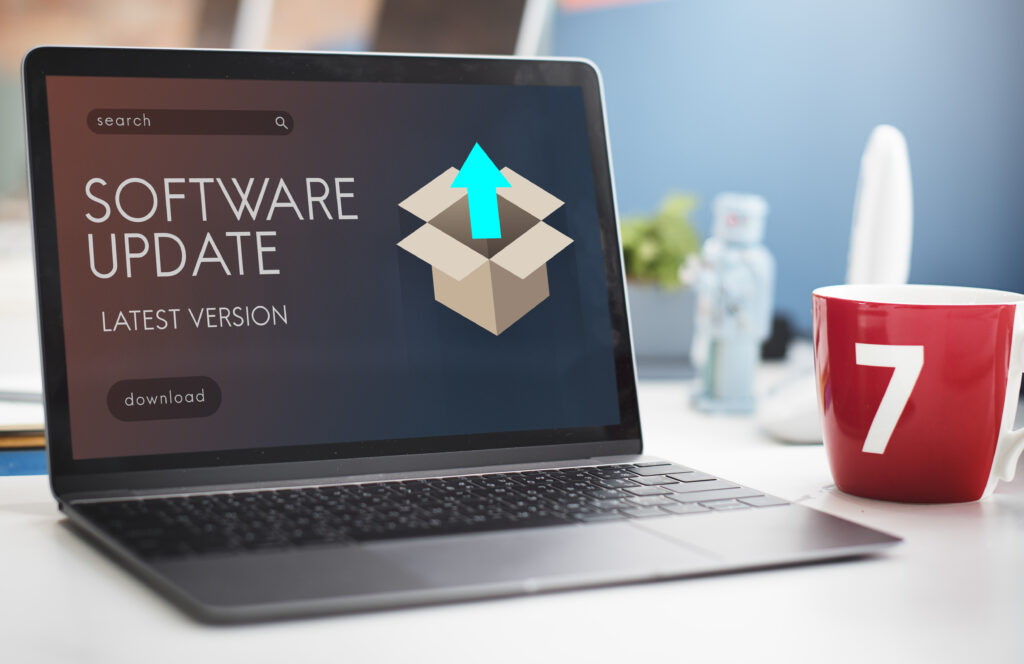
When setting up new technology, many users immediately explore features and apps. What often gets overlooked is software. Devices frequently arrive with older versions that can affect performance, stability and security. Installing updates right away ensures the product starts its life in the best possible state.
Automatic updates are especially important. Once activated, they allow the device to improve quietly over time. This prevents future issues and removes the need to regularly check for updates manually.
Adjust settings to real life
Default settings are designed to work for everyone, which usually means they are not ideal for anyone. Brightness, sound levels, sleep modes and energy saving features should reflect how the device is actually used day to day.
Taking a few minutes to personalise these settings early on avoids constant adjustments later. When technology adapts to habits from the start, it becomes easier to live with and far less demanding.
Simplify accounts and backups

Accounts and cloud services can quickly become confusing. Using one main account for apps, backups and connected services simplifies long term use. Automatic backups protect important data without requiring attention and make switching devices easier in the future.
This approach reduces mental load and ensures everything works together smoothly behind the scenes.
Placement sets the foundation
Where a device is placed affects how well it performs. Proper ventilation, stable connections and enough space help prevent overheating and signal issues. Good placement also reduces wear over time.

A thoughtful setup at the beginning creates a stable foundation that allows technology to work reliably for years without constant intervention.
Text author: Ana Markunović


Recent Comments